

Why Your Box Office Keeps Selling Seats Your Website Already Sold — And How to Fix It

It’s twenty minutes before doors. Two people are holding tickets for seat B14. One bought online last night. One bought it at the box office ten minutes ago, because the counter’s screen still showed it as available. Now you’re the one explaining, in front of a growing line, why a seat that was “sold” twice only exists once.
If that scene sounds familiar, you’re not dealing with a training problem or a careless staff member. You’re dealing with an infrastructure problem: your channels aren’t all reading from the same numbers.
Why the same seat gets sold twice
Most ticketing setups didn’t start out as one system. A website plugin here, a box office till there, maybe a kiosk or a spreadsheet-based door list added later. Each of those touchpoints checks “is this available?” against its own copy of the inventory, and that copy only catches up with reality every so often — sometimes seconds, sometimes minutes, sometimes only when someone remembers to refresh a page.
For most of the day, that lag is invisible. It becomes visible exactly when it matters most: a popular session, a limited-capacity show, the last few seats before a sell-out. That’s precisely when multiple channels are being hit hardest at the same time, and the gap between “sold at the counter” and “shows as sold everywhere else” turns into a double sale.
There’s a second, quieter version of the same failure. Instead of overselling, a stale cache marks a session as sold out when seats are genuinely free — a fan gets turned away from a real, purchasable seat, and you lose a sale that existed. Same root cause, opposite symptom.
A third contributor has nothing to do with software lag at all: capacity math. Comps handed out in the final week, a sponsor block added late, a photo pit that quietly eats standing room — none of that is a sync failure, but it produces the exact same outcome at the door: more people holding valid tickets than seats to put them in.
What overselling actually costs you
The most visible cost is the scene at the door: an argument, a refund on the spot, a bumped guest, a queue watching the whole thing happen. But the costs that outlast the night are worse. A guest turned away or downgraded at the last minute doesn’t just have a bad five minutes — they tell people about it, and a negative story travels a lot faster than a good one ever will. At real capacity limits, overselling isn’t just a customer-service problem either: fire codes and venue safety limits exist for a reason, and “we sold a few too many” is not a defence a fire marshal accepts.
None of this requires a festival-scale disaster to sting. A 200-seat venue that double-sells four seats on a Friday night has the same conversation at the door as a much bigger one — just with a smaller audience watching it happen.
How to actually prevent it
The fix isn’t “hire more careful staff.” It’s structural, and it comes down to two things.
First, every channel needs to check and reserve against one single, live number — not a website copy and a box-office copy that reconcile eventually. If the box office sells a seat, the website needs to know within seconds, not minutes.
Second, the seat needs to lock the moment someone selects it, not the moment they finish paying. Two people should never even be able to get partway through checkout for the same seat at the same time — the second person should simply never see it as available.
Everything else — capping comps early, holding a small buffer for accessibility and production needs, enforcing per-type and total limits at the point of sale rather than in a spreadsheet — matters too, but it only works on top of a system that actually has one true inventory to enforce those limits against.
How Fliko solves this
Fliko runs the website, the box-office POS and the self-service kiosk on one shared cart and order engine — there’s no separate inventory per channel to fall out of sync in the first place, because there was only ever one.
Every seat, stock unit and voucher is protected by concurrency-safe locking. The instant a seat is selected — on any channel — it’s locked for that buyer. A second buyer on a different channel simply can’t get to it; the system doesn’t have to “catch up” and correct a double sale after the fact, because the double sale can’t happen.
On the website, seat availability polls roughly every two seconds while a visitor is actively looking at the seat map. Sell a seat at the counter, and it visibly greys out online within a couple of seconds — not minutes.
If a buyer selects a seat and then walks away without paying, that seat doesn’t stay stuck as “unavailable” for everyone else. A scheduled sweep runs every minute, releasing seats and stock from abandoned or expired carts automatically, so hesitant browsers don’t quietly shrink your real availability.
And because every session, seat block and price can be restricted per channel from the same shared mechanism, you can still control what’s sold where — say, holding a block for the door only — without ever creating a second, disconnected pool of inventory to keep in sync by hand.
The result is simple: whoever’s counting at the door and whoever’s watching the website should see exactly the same numbers, because they’re reading the same numbers.
See it before your next sell-out
If you’ve had “the seat B14 conversation” more than once, it’s worth seeing what selling from one shared inventory actually feels like in practice — for your team at the counter and for the fans buying from home. Book a walkthrough of Fliko’s ticketing platform and see how website, box office and kiosk sales stay in sync automatically, seat by seat, channel by channel.
Frequently asked questions
Why does my ticketing system sell the same seat on two different channels?
Because each channel — website, box office, kiosk — is usually checking its own copy of availability rather than one shared, live record. When two channels get hit close together, both can show a seat as free until one of them finally updates, and by then it may have already been sold twice.
What’s the difference between overselling and a stale seat map?
Overselling is when two paying customers end up holding the same seat. A stale seat map is the same underlying lag showing up the other way: a channel still marks a session “sold out” after seats have actually opened back up, so a real sale is lost instead of doubled. Both come from the same cause — inventory that isn’t shared and updated live across channels.
How much buffer should I leave for comps and guest lists when setting ticket capacity?
Set your sellable capacity after reserving seats for comps, staff, accessibility and any production needs — not before. Many organisers also hold back a small safety margin (roughly one to three per cent of capacity) so a late sponsor request or an extra accessibility seat doesn’t push the venue over its real limit.
Can I stop overselling without slowing down my box office?
Yes — the fix isn’t asking staff to double-check manually, it’s making sure the system they’re selling from locks a seat the moment it’s picked, on every channel, and reflects that instantly everywhere else. Done at the system level, there’s no extra step at the counter at all.
Does real-time seat sync work if my venue sells through a kiosk as well as a website and box office?
It should, as long as the kiosk runs on the same shared inventory as the other channels rather than its own separate till system. Adding channels only creates more risk of a mismatch if each one keeps its own count; on a single shared engine, adding a kiosk doesn’t add a new place for numbers to drift apart.
What happens to a seat if a customer selects it online but abandons the booking before paying?
A well-built system holds that seat temporarily and then releases it automatically once the cart or hold expires, so it becomes sellable again on every channel. Without automatic release, seats held by abandoned checkouts quietly disappear from your real availability without anyone noticing.

Eventbrite Is Taking More of Your Ticket Money Than You Think — Here’s What UK Event Organisers Are Switching To
If you’ve ever looked at your Eventbrite payout and wondered why it’s noticeably smaller than the number of tickets you sold multiplied by the price you set, you’re not imagining it. Eventbrite’s fee sits on top of every paid ticket, it scales with your ticket price rather than staying flat, and it’s rarely the only thing costing UK organisers money or control. The checkout happens on Eventbrite’s marketplace rather than your own site, the payout lands in your account days after the event is already over, and if you need to move a date, Eventbrite’s own postponement policy limits how much say you actually have over refunds.
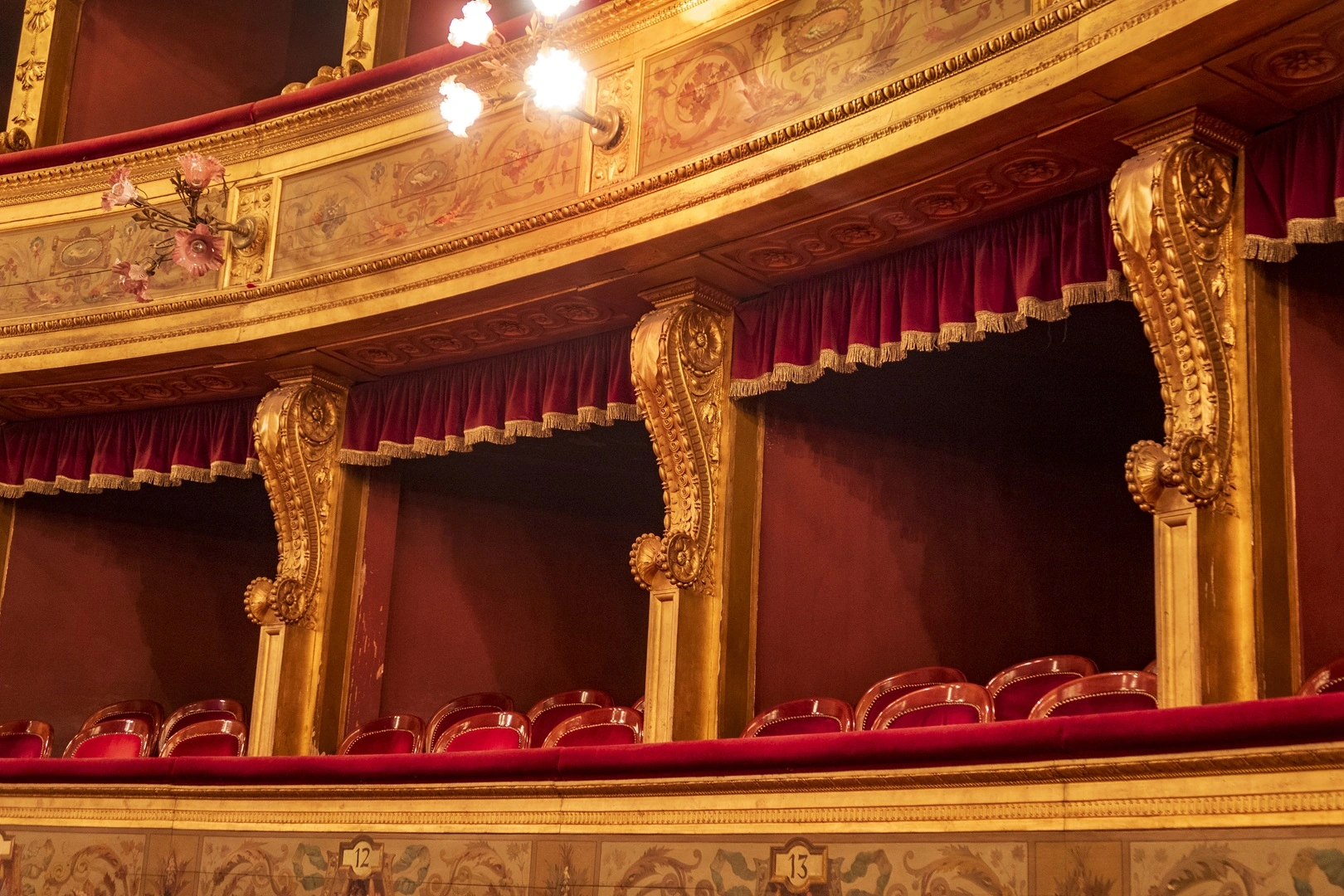
Cancelled a Show? Here’s How to Handle Ticket Refunds Without Losing Your Audience’s Trust
An actor gets sick two hours before curtain. A storm shuts down the road to the venue. A touring production loses its set in transit. Whatever the reason, you’ve just made the announcement every theatre operator dreads: tonight’s performance isn’t happening, or the run needs a new date.

Why Your Theatre’s Box Office Reports Never Actually Answer the Question You’re Asking
Ask most theatre managers a simple question — “how much did we make on refunds last month?” or “which show sold the most concessions per seat?” — and you’ll get a pause, not an answer. Not because the data doesn’t exist, but because finding it means knowing which of several oddly-named reports happens to contain that one number, or exporting a raw spreadsheet and building the answer by hand. Theatre box office reporting has a habit of failing in one of two opposite directions: either it’s an overwhelming wall of rows and columns with no way to read it at a glance, or it’s so thin that a real operational question has no report built for it at all.